Restaurant system questions
Before you retrain the staff, settle the questions that could stop the change.
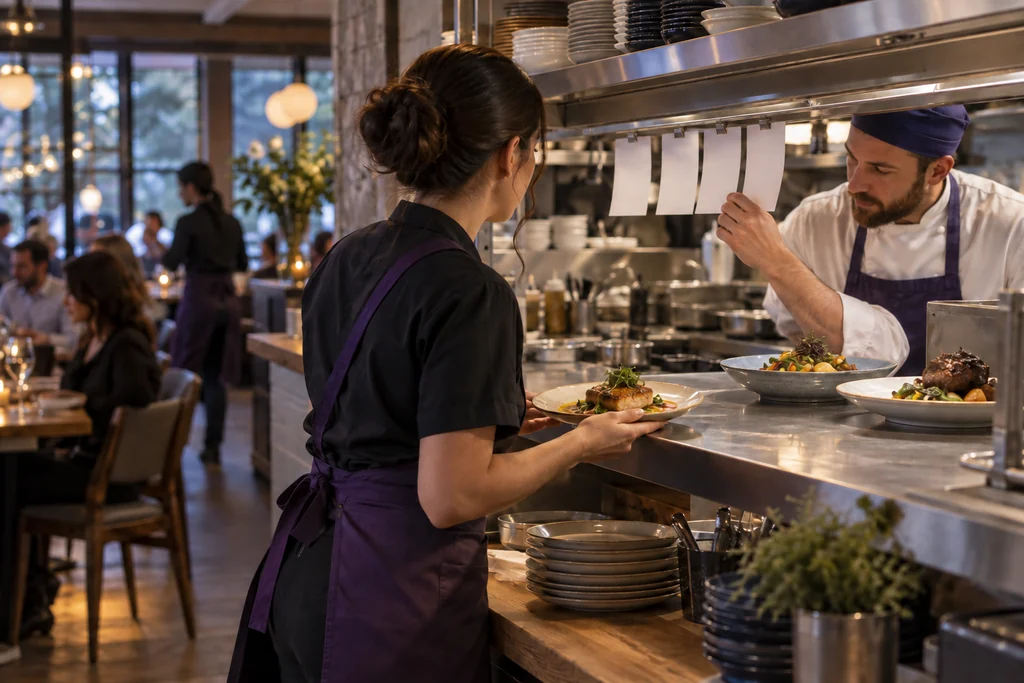
Confirm what happens to ordering, kitchen routing, open checks, tips, equipment, online orders and closeout in the exact setup under review.
Do we have to replace our current restaurant POS?
Not necessarily. We first identify what the current system handles well, where the workflow breaks and what cannot be disrupted. The best recommendation may be to keep the platform, adjust the configuration, connect a supported tool or replace only the part creating the problem.
How should we compare restaurant POS platforms?
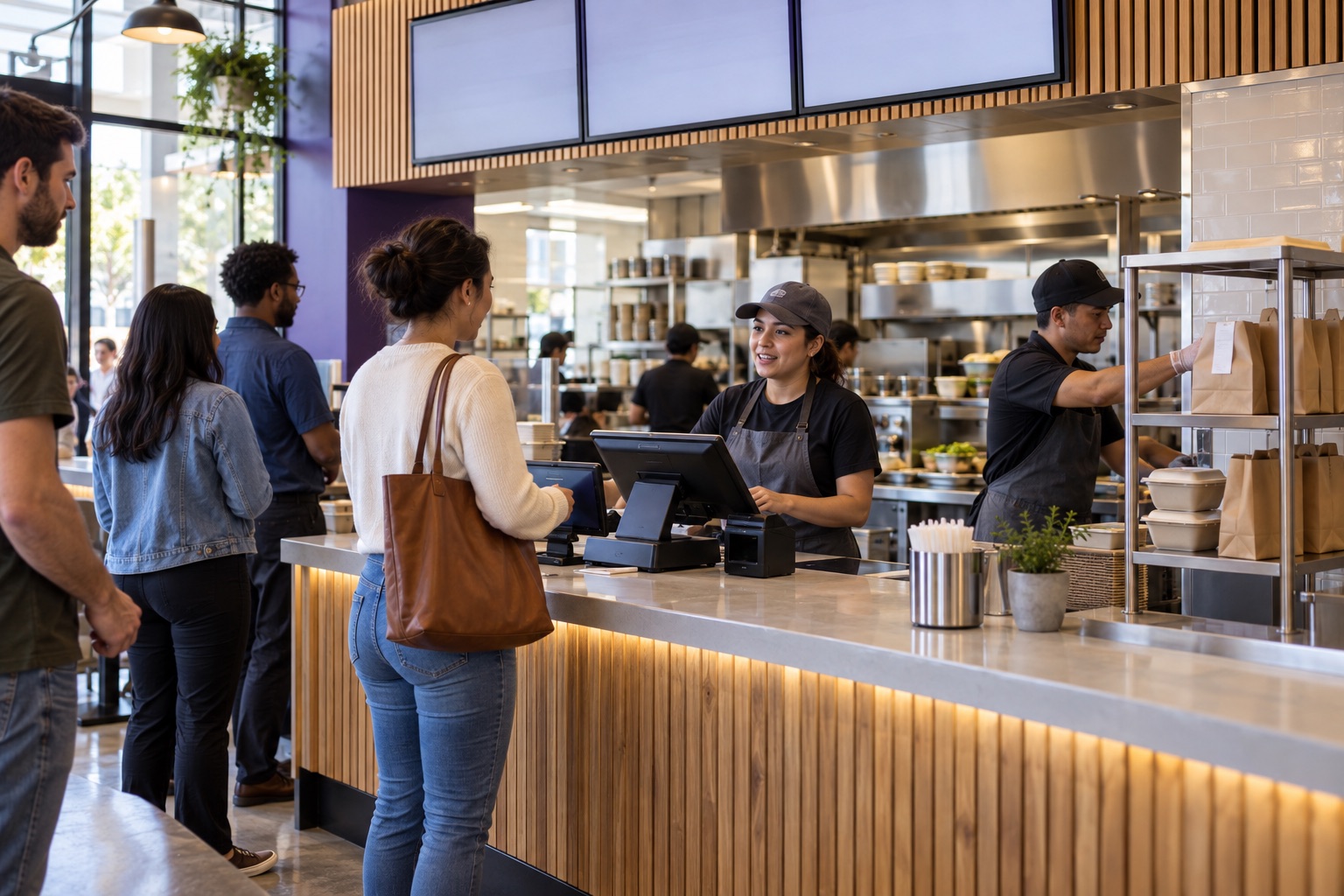
Start with the restaurant’s service model—not the product demonstration. Compare how each candidate handles ordering, modifiers, kitchen routing, tables or queues, tips, refunds, online orders and end-of-day closeout. Product availability, supported integrations and the exact configuration still require verification.
Can we keep our existing terminals, printers and kitchen equipment?
Possibly, but device reuse cannot be assumed. Ownership, model, certification, software version, processor requirements and network configuration can all affect compatibility. We verify each important device before including it in a setup under review.
Can kiosks and online ordering connect to the kitchen and current menu?
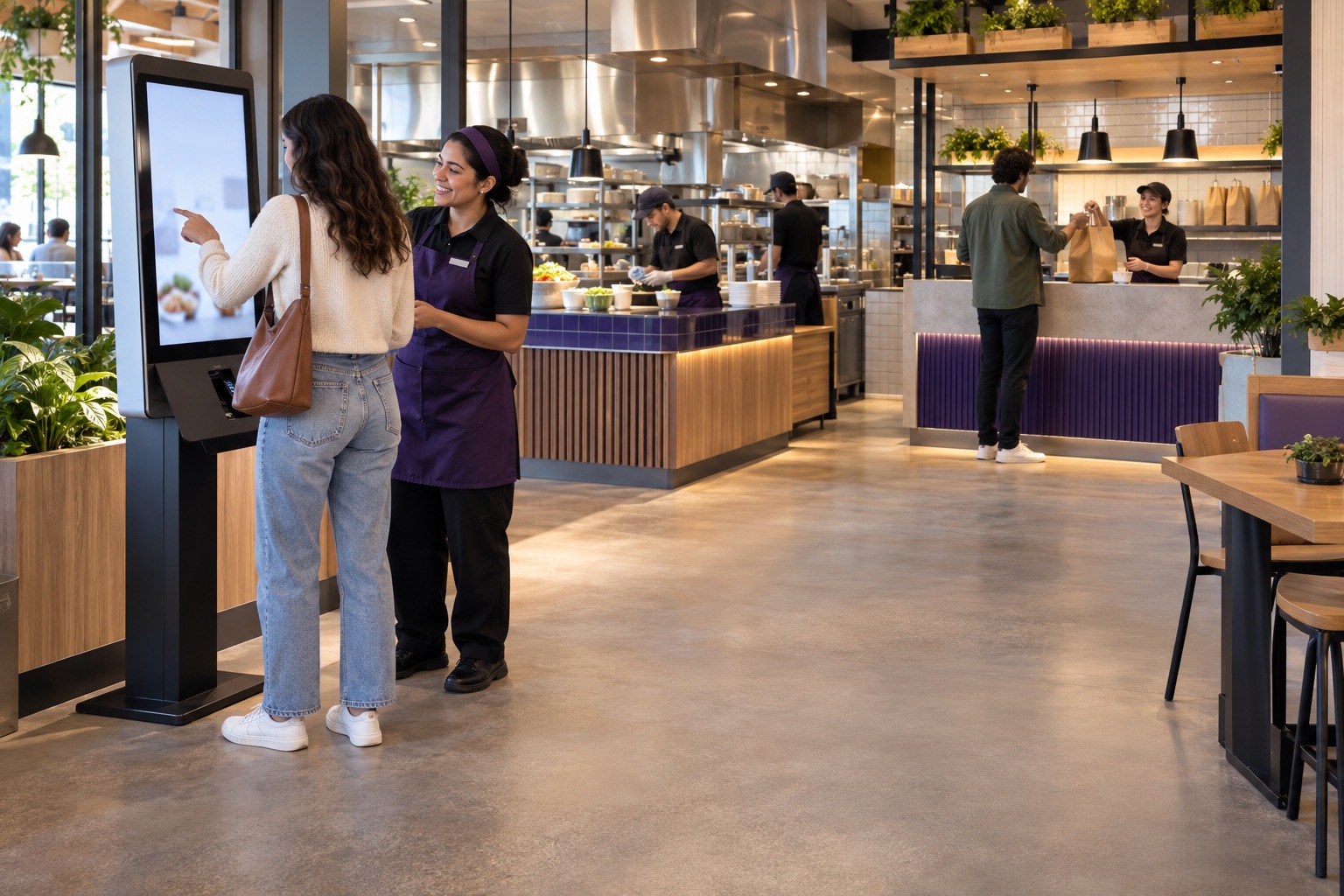
They may be able to, when the selected platform and configuration support those connections. The review should follow an actual order—including modifiers, pricing, tax, kitchen routing, payment, pickup and refunds—to confirm whether the entire handoff works. Staff assistance and an accessible ordering path should remain part of the plan.
What should we test before changing restaurant systems?
Test a complete service period, not only a successful payment. Include menu changes, modifiers, split checks, tips, voids, comps, refunds, offline behavior, gift balances, open checks, kitchen routing and shift closeout. The deposit, POS report and accounting record should also be checked together.
How should we compare the total cost and rollout plan?
Compare processing, software subscriptions, hardware, installation, training, support, contract obligations and the operational cost of downtime or duplicate work. A safer rollout may begin with one location, one service area or one representative shift before expanding. Final pricing, availability and implementation responsibilities should be confirmed before commitment.