
IN-PERSON PAYMENT DECISIONS
Choose the in-person payment setup that fits the sale—not more system than you need.
A standalone terminal may be the complete answer. Choose a connected terminal, PIN pad or smart POS when your existing software needs the payment result or when products, staff and reporting need to stay with the sale. Contactless can work across either path when the equipment and configuration support it.
Start your review through the inquiry form or book a call. After you connect, DATAONE confirms what information is needed. AI-assisted analysis supports the review, a person validates the findings, and DATAONE explains the next step. For assistance, call 1-800-818-0420 or email info@dataonems.com.

HOW THE SALE MOVES
Start with where the customer pays and what the sale must update.
Counter, tableside, curbside and customer-location payments create different device, receipt, connectivity and staff-permission requirements.
WHAT MUST NOT BREAKA completed card authorization should not leave the order, receipt, tip, refund or deposit in a different record.
TWO WAYS TO RUN THE SALE
A standalone terminal and a smart POS solve different counter problems.
A reliable terminal is enough
For a business that wants dependable card-present acceptance without replacing or connecting its business software.
The payment result belongs in another system
For a business whose existing software must receive the result, or whose products, staff, discounts, receipts and reporting should stay with the sale.
THE STRESS TEST
One approval can leave the receipt, refund and deposit in different places.
Test a sale, tip or discount, receipt, refund and closeout on the exact device and software path. The right choice is the one the team can explain after the customer leaves.
PAYMENTAuthorization and tender
SALEOrder, item or service
CUSTOMERReceipt and identity
CLOSEDeposit and reporting
WHERE THE DECISION BREAKS
Catch the device or posting mismatch before the customer needs a refund.
Terminal-only mismatch
The device accepts payment, but the order or customer record still needs manual repair.
Mobility without continuity
A handheld works until Wi-Fi, battery, printing or staff permissions interrupt service.
Tap without fallback
Contactless is offered without a clear insert, swipe, keyed or offline exception path.
CATEGORIES TO COMPARE
Choose equipment by the work it needs to support.
FIXED CHECKOUT
Countertop payment
Use a countertop path when payment stays at a staffed register or service counter.
Exact device, processor, certification, connectivity, pricing and availability require confirmation.
MOBILE CHECKOUT
Handheld payment
Use a handheld path when staff need to bring payment to the customer.
Exact device, processor, certification, connectivity, pricing and availability require confirmation.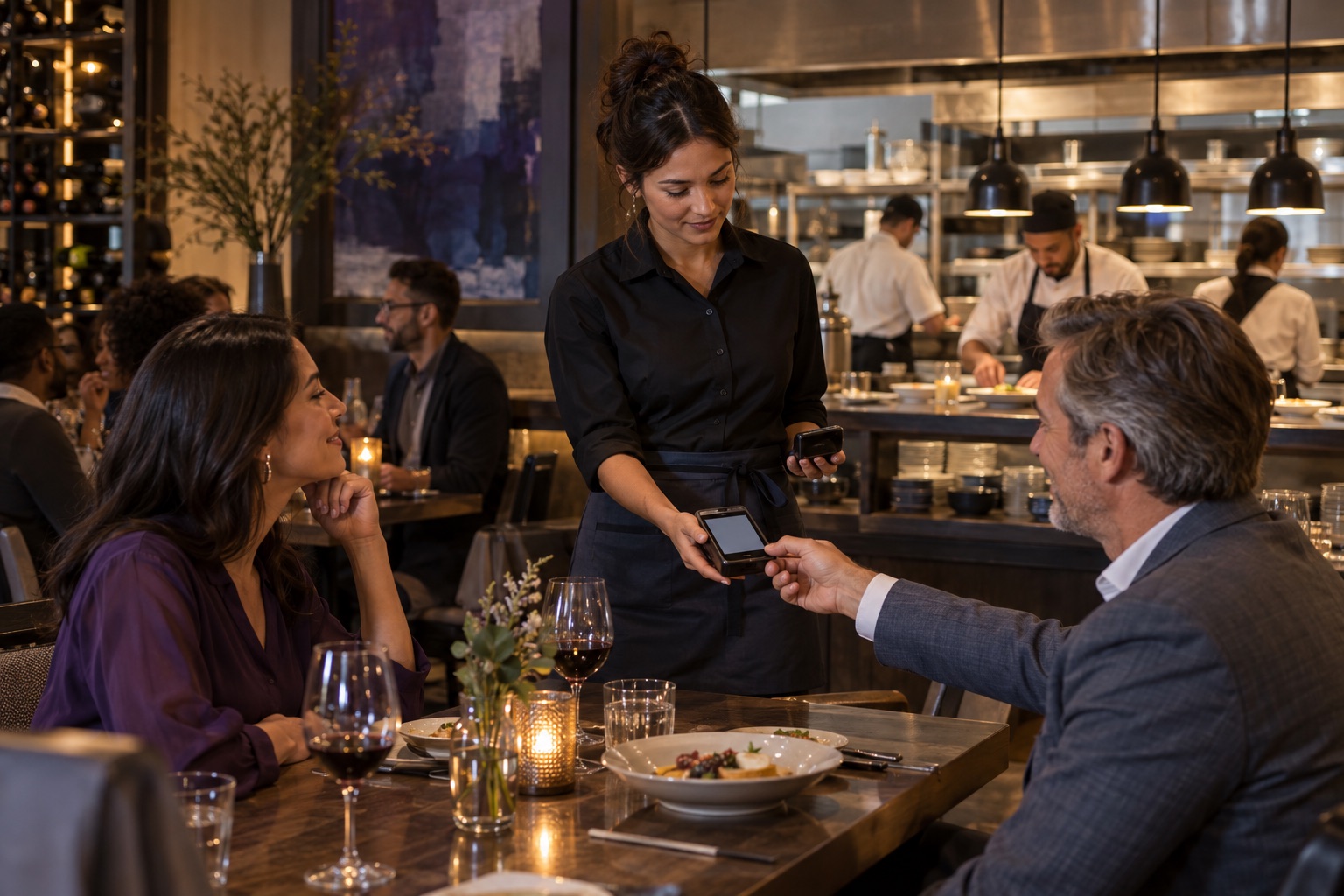
SELF-SERVICE
Kiosk payment
Use a kiosk path only when ordering, accessibility, payment, production and staff assistance work together.
Exact equipment, software, payment route, placement and availability require confirmation.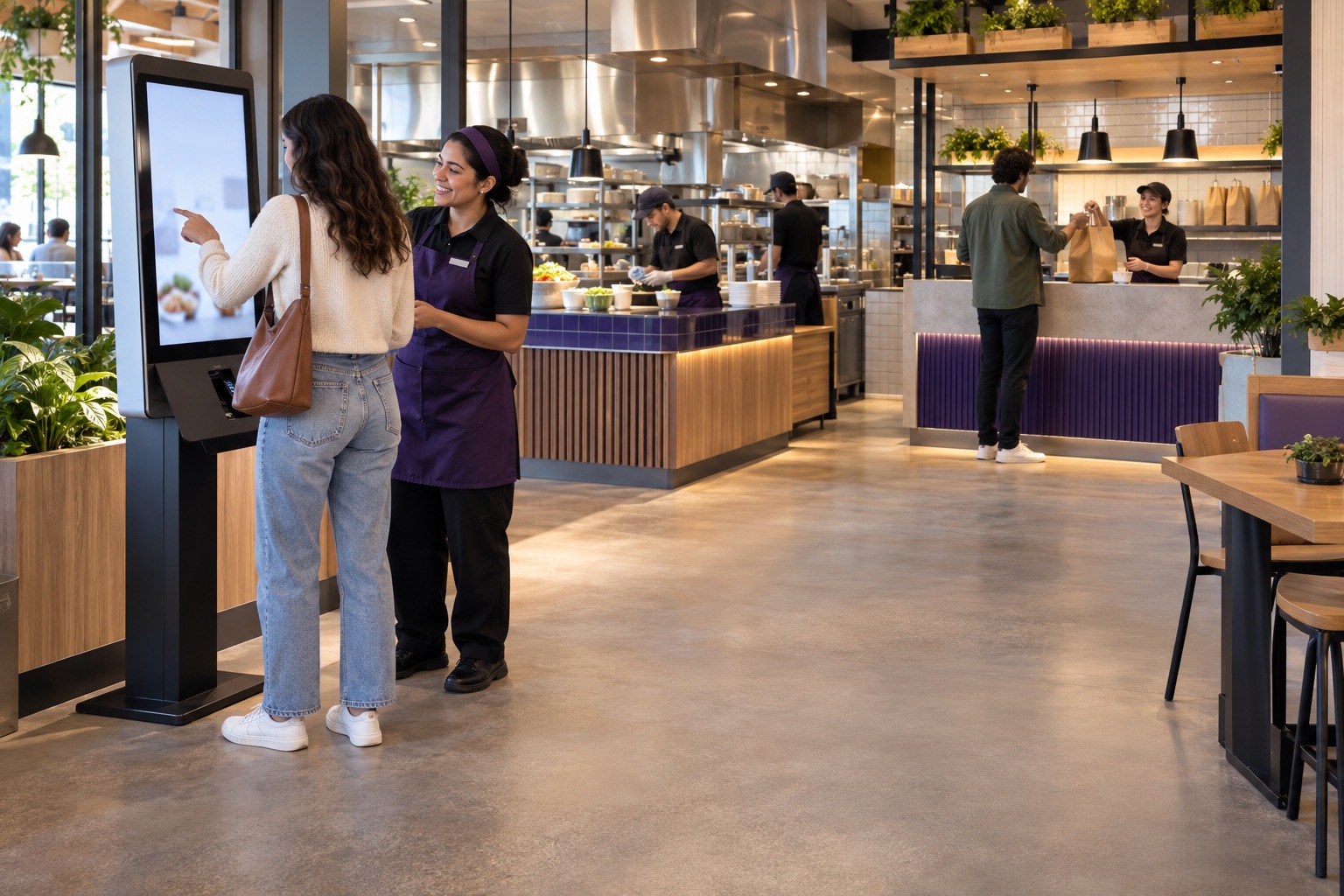
WHAT A REVIEW COVERS
What made a simple sale require a second explanation?
WHAT YOU BRING
Use the sale that needed a second explanation
Bring the sale, receipt, refund, device list, statement, contract and deposit report.
WHAT WE REVIEW
Trace approval through closeout
Map the device, processor, receipt, refund, batch and sale details around one card-present transaction.
WHAT YOU RECEIVE
Choose the right device path
State whether the current equipment stays or the business needs a standalone terminal, connected device or smart POS. Treat contactless as a capability across those paths.
You leave knowing which of the two system paths to test next. Once you select a terminal or device, DATA ONE typically coordinates advance provisioning and configuration for standard setups, so the equipment arrives ready to connect and use instead of requiring you to program it on-site. Some configurations still require additional setup, testing or provider coordination. Device availability, certification and compatibility still require confirmation for the exact setup.
QUESTIONS BEFORE DECISIONS
Test these six counter questions before replacing equipment.
Do we need a full POS to replace a terminal?
No. A dependable standalone terminal may be the complete answer when the business only needs card-present acceptance. A smart POS becomes relevant when checkout, products, staff or reporting need to live together.
Where does contactless payment fit?
Across both paths. Contactless is a way to accept payment on a compatible standalone terminal, connected terminal, PIN pad or smart POS—not a third system choice. Confirm wallet support, processor certification, receipt flow and fallback behavior for the exact device and configuration.
Can we keep the equipment we already have?
Often, yes. Start with the current device, generation, processor, connectivity and certification status. Keep it when it is still supported and fits the sale; replace only what the verified path requires.
How should we compare countertop and mobile equipment?
Test where the customer pays, who carries the device, whether a printer or customer display is needed, connectivity, charging, tipping, receipts and what happens during an outage.
Does showing a device mean it works with every system?
No. Manufacturer imagery confirms the product model only. Processor certification, software compatibility, configuration, pricing and availability must be verified.
What should we bring to an in-person payment review?
Bring one completed sale, the current statement and contract, device list, receipt, refund example, deposit report and any checkout or connectivity exception the team regularly handles.
A clear next step